What Commercial Access Control Actually Costs — And What It Gets You
Commercial access control systems cost between $1,500 and $10,000 per door installed, depending on credential type, hardware quality, and integration complexity. According to a 2024 report by MarketsandMarkets, the global access control market is projected to reach $17.4 billion by 2028 — a growth rate driven almost entirely by commercial property owners replacing legacy key-based systems with electronic credential management. The reason is simple: keys get copied, lost, and stolen. Electronic access control eliminates all three problems while generating an audit trail that keys never could.
This guide is written for facility managers, IT directors, property managers, and general contractors who need to evaluate access control options without wading through vendor marketing. You'll find cost ranges, technology comparisons, integration requirements, and a framework for choosing the right system for your building — whether you manage a 5,000 sq ft medical office or a 500,000 sq ft logistics campus.
What Is a Commercial Access Control System?
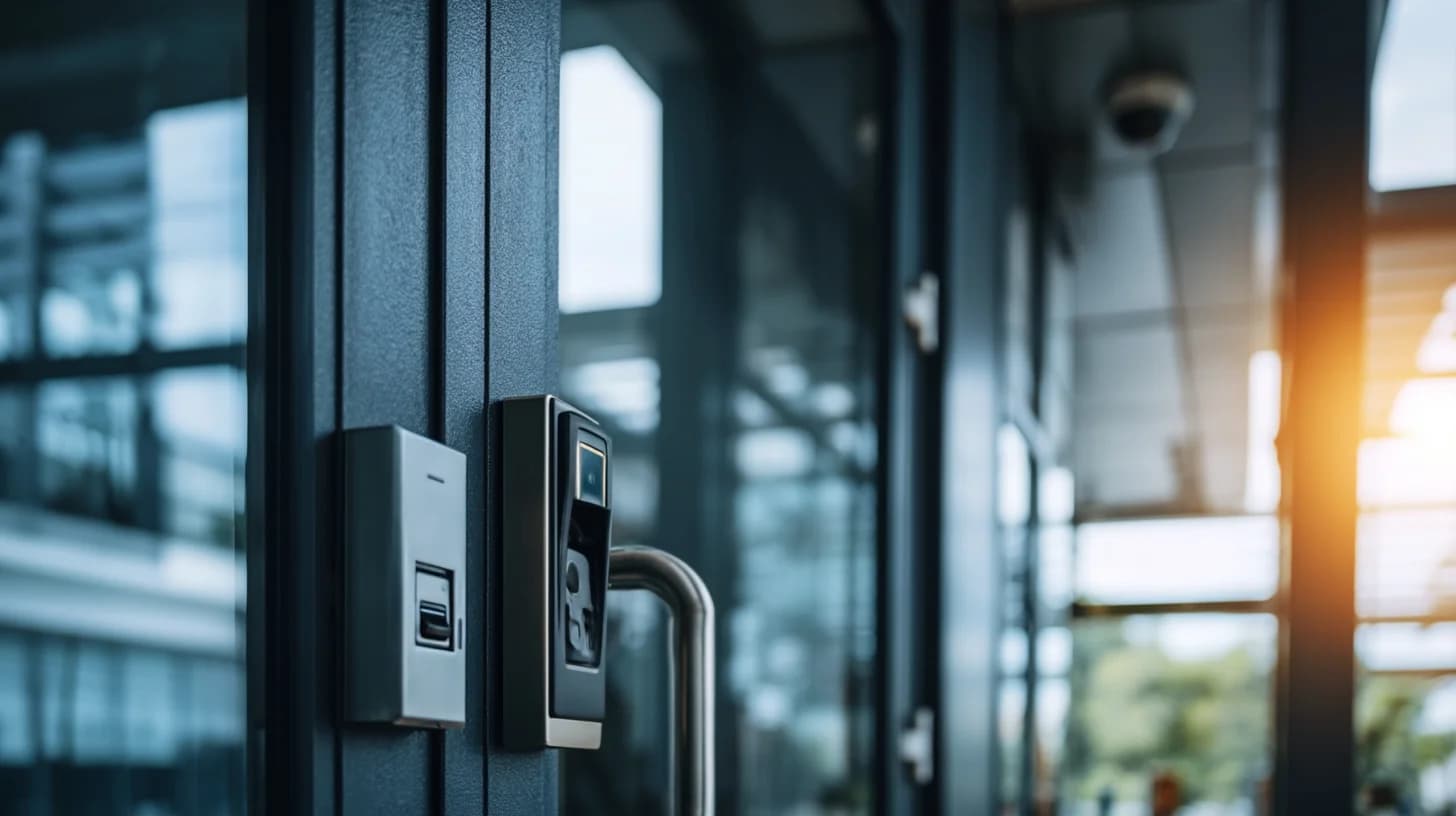
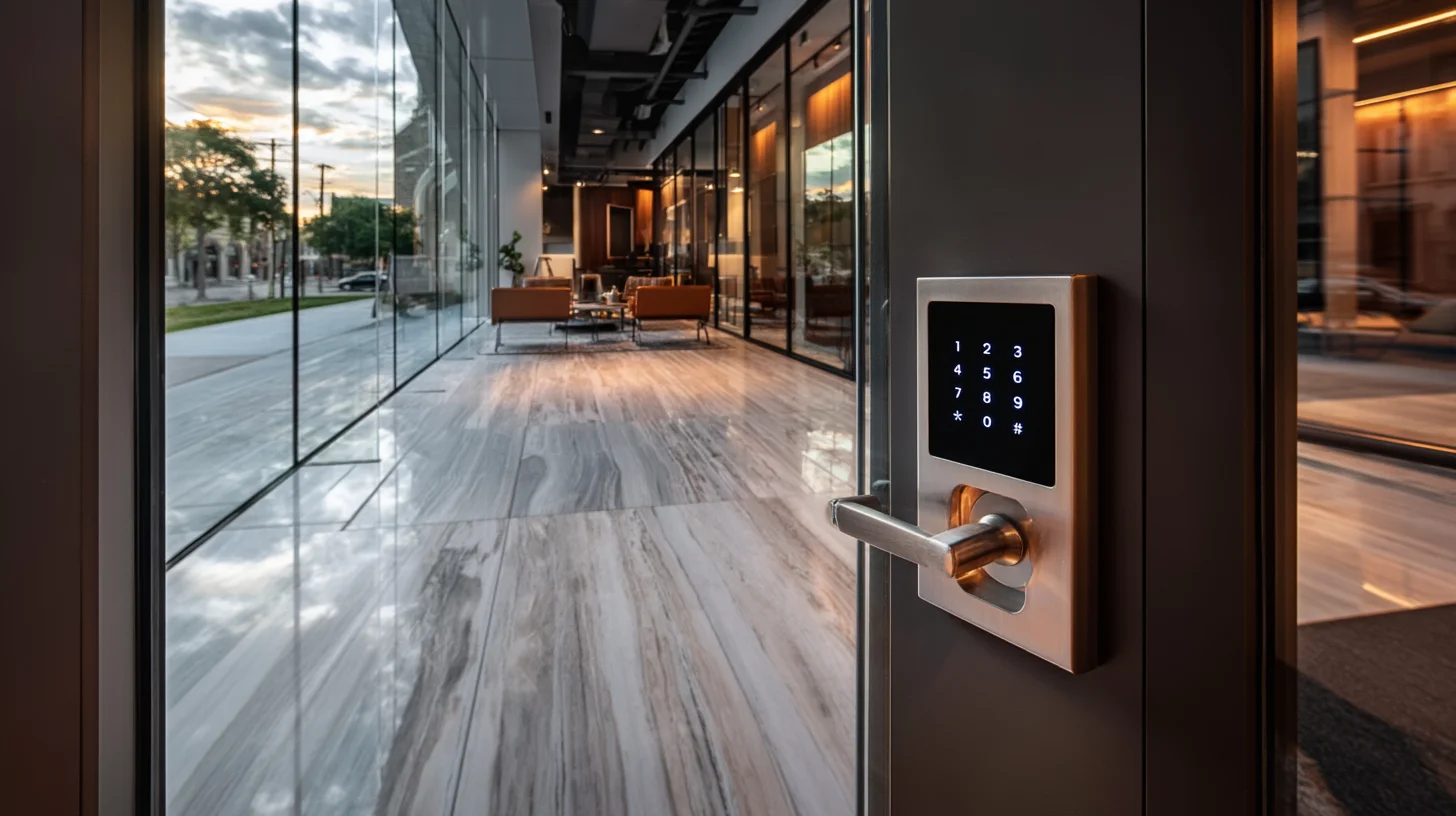
A commercial access control system restricts and records who enters specific doors, floors, or zones in a building — replacing physical keys with electronic credentials that can be issued, modified, and revoked instantly. At its core, every access control installation consists of four components: a credential (keycard, PIN, biometric, or mobile app), a reader (the device that reads the credential), a controller (the brain that decides whether to grant or deny access), and a locking mechanism (electric strike, magnetic lock, or electronic latch).
The software layer sits above all four components. Cloud-based platforms let you manage permissions for hundreds of doors and thousands of users from a single dashboard — granting a contractor temporary access for two days, or locking out a terminated employee within 30 seconds of an HR decision. That administrative speed is the primary operational advantage over traditional key systems, where rekeying a single lock costs $150–$400 and takes a locksmith visit.
Access Control vs. Key Management: The Business Case
The operational cost of key-based security compounds quickly at scale. A facility with 50 employees, 12 doors, and annual turnover of 20% will spend an estimated $8,000–$15,000 per year on key replacement, rekeying, and lockout response — before accounting for any security incidents. A properly deployed electronic access control system eliminates rekeying costs entirely and reduces lockout response to a 10-second software action. Most commercial installations recoup hardware costs within 18–36 months through labor savings alone.
Types of Access Control Systems: Which Architecture Fits Your Building?
There are three primary access control architectures for commercial properties, each with different cost profiles, scalability limits, and IT requirements. Choosing the wrong architecture is the most expensive mistake buyers make — a standalone system purchased for a 10-door facility becomes a complete replacement project when the facility expands to 40 doors.
Architecture | Best For | Cost Per Door (Installed) | Remote Management | Scalability |
|---|---|---|---|---|
Standalone | 1–5 doors, low-budget retrofit | $800–$2,500 | No | Low |
On-Premise Server | 50+ doors, regulated industries | $2,500–$6,000 | Limited (VPN) | High |
Cloud-Based | 5–500+ doors, multi-site | $1,500–$5,000 + SaaS fee | Yes (full) | Very High |
Standalone Access Control
Standalone systems program credentials directly into each reader — no central controller or network connection required. They're the lowest upfront cost option but create significant administrative burden at scale: adding or removing a user requires physically programming every reader that person has access to. For single-door applications like a server room or executive suite in an otherwise key-based facility, standalone systems are a reasonable solution. For anything larger, they create more problems than they solve.
On-Premise Server-Based Systems
On-premise systems use a local server running access control software, connected to door controllers via TCP/IP or RS-485 wiring. They offer maximum data control — preferred by healthcare facilities under HIPAA, financial institutions under SOC 2, and government contractors with data residency requirements. The tradeoff is IT overhead: the server requires maintenance, backups, and on-site management. According to ISONAS, on-premise systems represent approximately 38% of new commercial installations, down from 61% five years ago as cloud adoption accelerates.
Cloud-Based Access Control
Cloud-based systems store access data and permissions on vendor-managed servers, accessible from any browser or mobile app. They've become the default choice for most commercial installations because they eliminate server hardware costs, enable remote management across multiple sites, and push software updates automatically. Leading platforms like Genetec, Brivo, and Openpath charge a per-door monthly SaaS fee of $3–$15 per door in addition to hardware costs. For a 20-door facility, that's $720–$3,600 annually — a real cost that belongs in every budget model.

Access Control Credentials: Keycard vs. Biometric vs. Mobile
The credential type determines how users authenticate at a reader — and it's the most visible part of any access control system. Each technology has a different security level, cost, and user experience. The right choice depends on your security requirements, workforce demographics, and hygiene considerations.
Proximity and Smart Cards (HID, MIFARE)
Proximity cards (125 kHz) and smart cards (13.56 MHz) remain the most widely deployed credential type in North American commercial facilities. HID Global estimates more than 6 billion HID credentials are in circulation globally. Proximity cards cost $0.50–$3.00 per card and readers cost $150–$400, making them the lowest-cost credential option at scale. The critical security distinction: 125 kHz proximity cards are trivially cloneable with $30 devices available online — a fact that has driven the commercial market toward smart cards (MIFARE DESFire, SEOS) that use encrypted communication and are substantially harder to clone.
Biometric Access Control
Biometric readers authenticate users via fingerprint, iris scan, facial recognition, or palm vein geometry — eliminating credential sharing and card cloning entirely. According to Allied Market Research, the biometric access control market is growing at 14.6% CAGR as costs drop and contactless options mature. Biometric readers cost $300–$1,500 each installed, with facial recognition cameras at the higher end. The primary barriers to deployment are privacy regulations (some states restrict biometric data collection), employee consent requirements, and false rejection rates in high-traffic environments. Healthcare and financial facilities are the most active adopters.
Mobile Credentials (Bluetooth/NFC)
Mobile credentials use smartphones as the access token, communicating with readers via Bluetooth Low Energy (BLE) or NFC. Users tap or wave their phone at the reader — or in some systems, walk past a reader without removing their phone from their pocket (called "hands-free" or "walk-up" mode). Mobile credentials eliminate card printing costs, allow instant remote credential issuance, and integrate naturally with existing employee mobile apps. Reader costs run $300–$800 each for BLE/NFC-capable hardware. The primary limitation is user adoption: facilities with workforce populations less comfortable with smartphone technology — manufacturing, logistics, or older workforce demographics — often see resistance to full mobile deployments.
Multi-Factor Authentication (MFA) at the Door
High-security environments combine two credential types — card + PIN, mobile + biometric — to require two-factor verification before granting access. Data centers, pharmaceutical storage, and financial trading floors commonly deploy MFA readers. According to Verizon's 2024 Data Breach Investigations Report, 80% of hacking-related breaches involve stolen or weak credentials — a statistic that drives MFA adoption beyond IT systems into physical security. Readers capable of MFA cost $400–$1,200 each, with total per-door installed costs of $3,000–$8,000 depending on the locking hardware.
How to Spec Commercial Access Control: The 8-Point Framework
Specifying access control for a commercial building requires answering eight questions before a vendor conversation. Skipping any one of them leads to either overspending on features you don't use or buying a system that can't grow with your facility.
Door count and type: Count every door that needs access control — including interior doors, elevators, parking, and server rooms. Specify whether each door is hollow metal, glass, or aluminum storefront, as this determines lock hardware compatibility.
Traffic volume per door: High-traffic doors (lobby, parking) need readers with faster read times and more durable hardware than low-traffic interior doors. Specify peak hourly entries for your busiest doors.
Credential preference: Decide on keycard, mobile, biometric, or a mix. This single decision affects reader hardware, software platform compatibility, and per-user ongoing costs more than any other specification.
Integration requirements: List every system the access control platform must connect to — video surveillance, visitor management, HR/HRIS for automated onboarding, elevator controls, intrusion detection. Integration complexity is the #1 source of project cost overruns.
Network infrastructure: Assess whether your current network infrastructure can support IP-based access control readers. Controllers typically connect via Cat5e/Cat6 and require PoE switching capacity. Older facilities often need a network infrastructure upgrade as part of the access control project.
Regulatory requirements: Identify applicable regulations — HIPAA for healthcare, PCI DSS for payment processing areas, TSA for transportation, state biometric privacy laws. These requirements constrain credential type, data storage location, and audit log retention periods.
Budget structure: Separate capital expenditure (hardware, installation) from operating expenditure (SaaS fees, maintenance contracts). Cloud systems shift cost from CapEx to OpEx — a meaningful consideration for facilities on operating budgets vs. capital budgets.
Multi-site requirements: If you manage more than one location, specify whether you need a unified platform that manages all sites from a single login. Multi-site management is a standard feature of cloud platforms but requires significant configuration for on-premise systems.
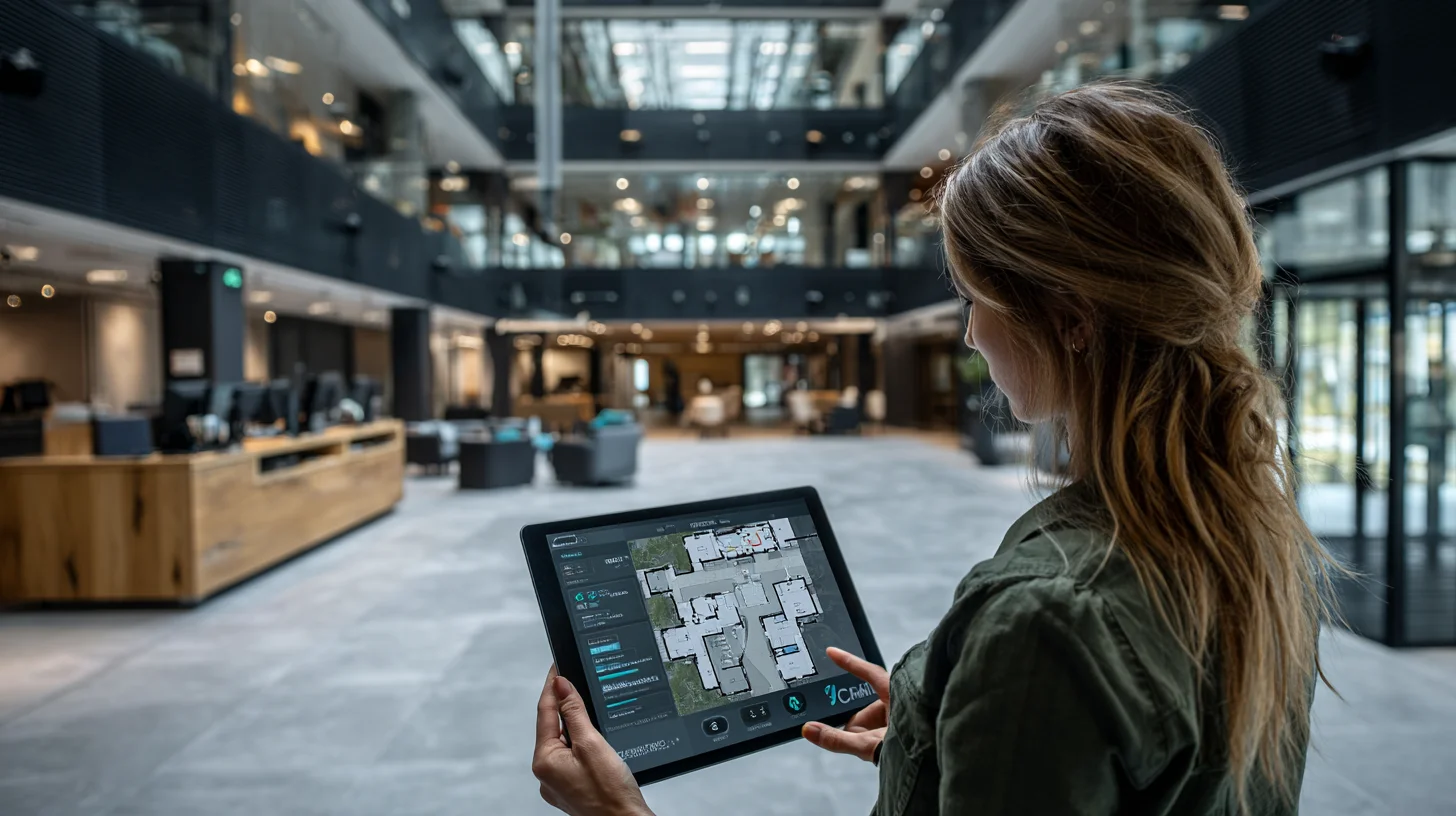
Access Control Integration: Cameras, Cabling, and Building Systems
Access control systems deliver their full value only when integrated with complementary building systems. A standalone access control deployment manages door permissions. An integrated deployment creates a unified security picture — linking the door event to the camera footage to the visitor record to the HR system — that enables investigation, compliance reporting, and operational intelligence that standalone systems simply cannot produce.
Video Surveillance Integration
Integrating IP security cameras with access control is the single highest-value integration available to commercial facilities. When a door event triggers a video clip — linking a specific badge swipe to the camera footage at that door — security teams can investigate incidents in minutes instead of hours. Modern Video Management Systems (VMS) like Milestone, Genetec, and Avigilon natively integrate with access control platforms via open APIs. Specifying camera-to-access-control integration requires aligning your VMS platform choice with your access control platform choice before purchasing either system.
Cabling Infrastructure Requirements
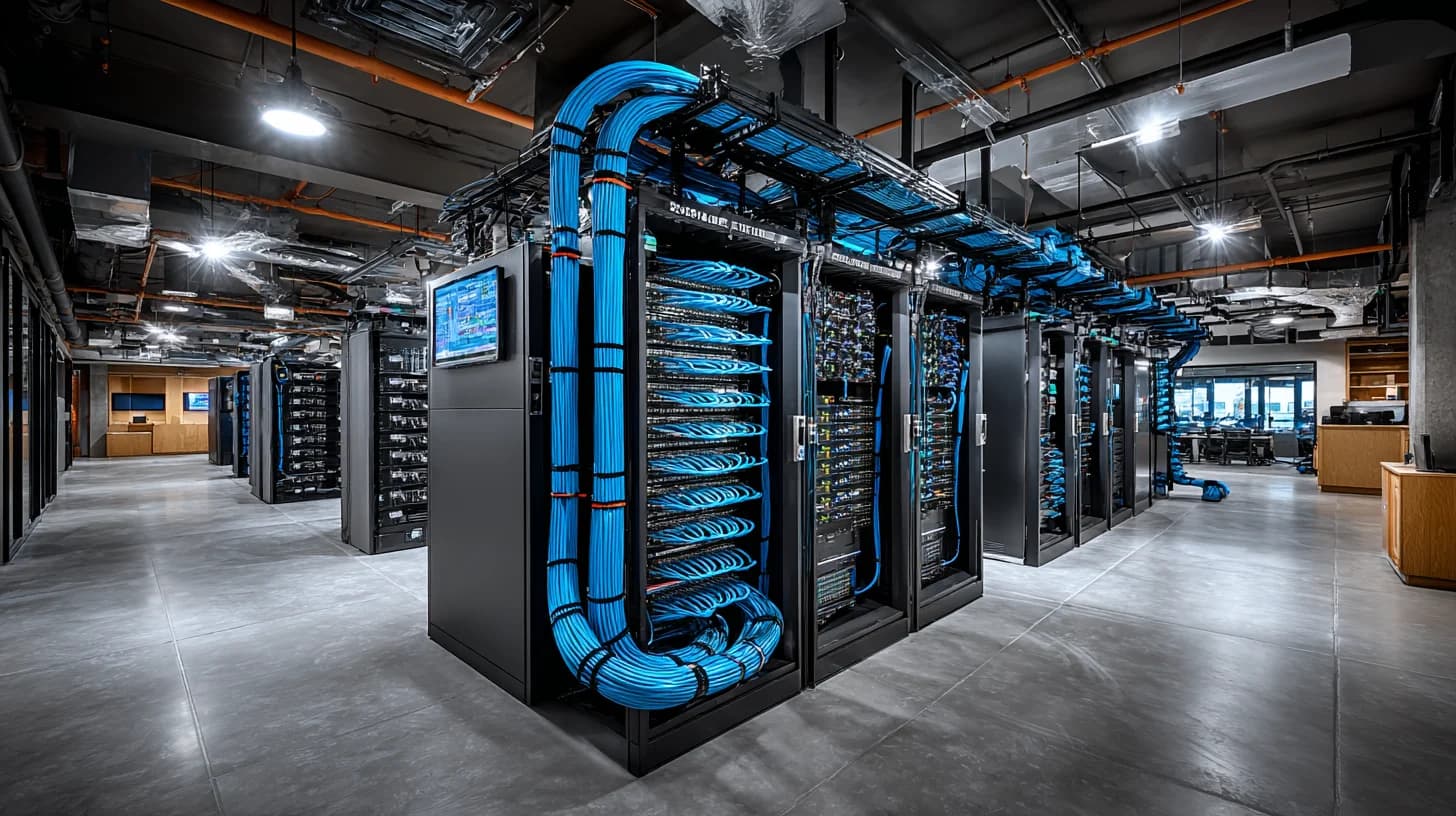
Every access control door requires a minimum of two cable runs: one for the reader and one for the door lock/request-to-exit device. Controllers and readers typically require Cat6 cabling for IP connectivity and 18/2 or 18/4 shielded cable for power. Poorly planned cabling is the most common source of installation delays and cost overruns in access control projects. A pre-installation structured cabling assessment identifies conduit availability, cable pathway conflicts, and power requirements before installation begins — avoiding the $200–$800 per-door rework cost that results from discovering conflicts mid-project.
Visitor Management Integration
Visitor management platforms (Envoy, Proxyclick, Traction Guest) integrate with access control to issue temporary credentials automatically upon visitor check-in and revoke them upon check-out. For facilities with high visitor traffic — corporate headquarters, medical buildings, co-working spaces — this integration eliminates the front-desk workload of manually issuing and collecting visitor badges. The operational time savings typically run 2–4 staff-hours per day in facilities processing 30+ daily visitors.
HR System Integration
Connecting access control to your HRIS (Workday, ADP, BambooHR) enables automatic credential provisioning when a new employee is onboarded and automatic deactivation when employment ends. According to the Ponemon Institute, the average time between an employee's termination and credential deactivation in facilities without HRIS integration is 2.5 days — a significant insider threat window. HR integration eliminates that window entirely by triggering deactivation within minutes of an HR status change.
Access Control for Specific Commercial Property Types
Different commercial property types have materially different access control requirements. A multi-tenant office building needs tenant segmentation and lobby management that a single-tenant warehouse doesn't require. Understanding your property type's specific demands prevents both over-specification and under-specification.
Multi-Tenant Office Buildings
Multi-tenant buildings need credential segmentation — each tenant's employees should only access common areas and their own suite, not adjacent tenants' spaces. The building owner typically manages common area and elevator access, while individual tenants manage their suite-level access independently. This requires an access control platform with tenant hierarchy support, sub-administrator roles, and tenant-specific reporting. Platforms like Brivo and Openpath support multi-tenant hierarchies natively. Budget for 15–25% higher configuration costs compared to single-tenant deployments.
Healthcare Facilities
Healthcare access control must satisfy HIPAA physical safeguard requirements (45 CFR § 164.310), which mandate access controls for areas containing electronic protected health information (ePHI). This typically means restricted access to server rooms, medical records storage, and pharmacy areas — with audit logs retained for a minimum of six years. Biometric credentials are increasingly common in pharmacy and controlled substance areas to prevent credential sharing. Healthcare facilities also require integration with nurse call and duress alarm systems that standard commercial installations don't address.
Warehouses and Distribution Centers
High-volume facilities with shift-based workforces prioritize speed and durability over sophistication. Readers in these environments need IP65 or IP67 weather and dust ratings, vandal-resistant housings, and fast read speeds (under 200ms) to handle high-throughput entry points without creating queues. Loading dock doors require hardware rated for frequent cycling — electric strikes or electromagnetic locks in these applications should be rated for 1 million+ cycles. Vehicle access via RFID windshield tags or license plate recognition is common in distribution center deployments.
Educational Institutions
K-12 schools and university campuses increasingly require building-wide lockdown capability — a software function that locks every door simultaneously in response to a security event. This requirement mandates a centrally managed system, not standalone readers. School access control also increasingly integrates with video surveillance and visitor management platforms that run background checks against sex offender registries at check-in. Budget for lockdown integration adds $200–$500 per door to standard installation costs.
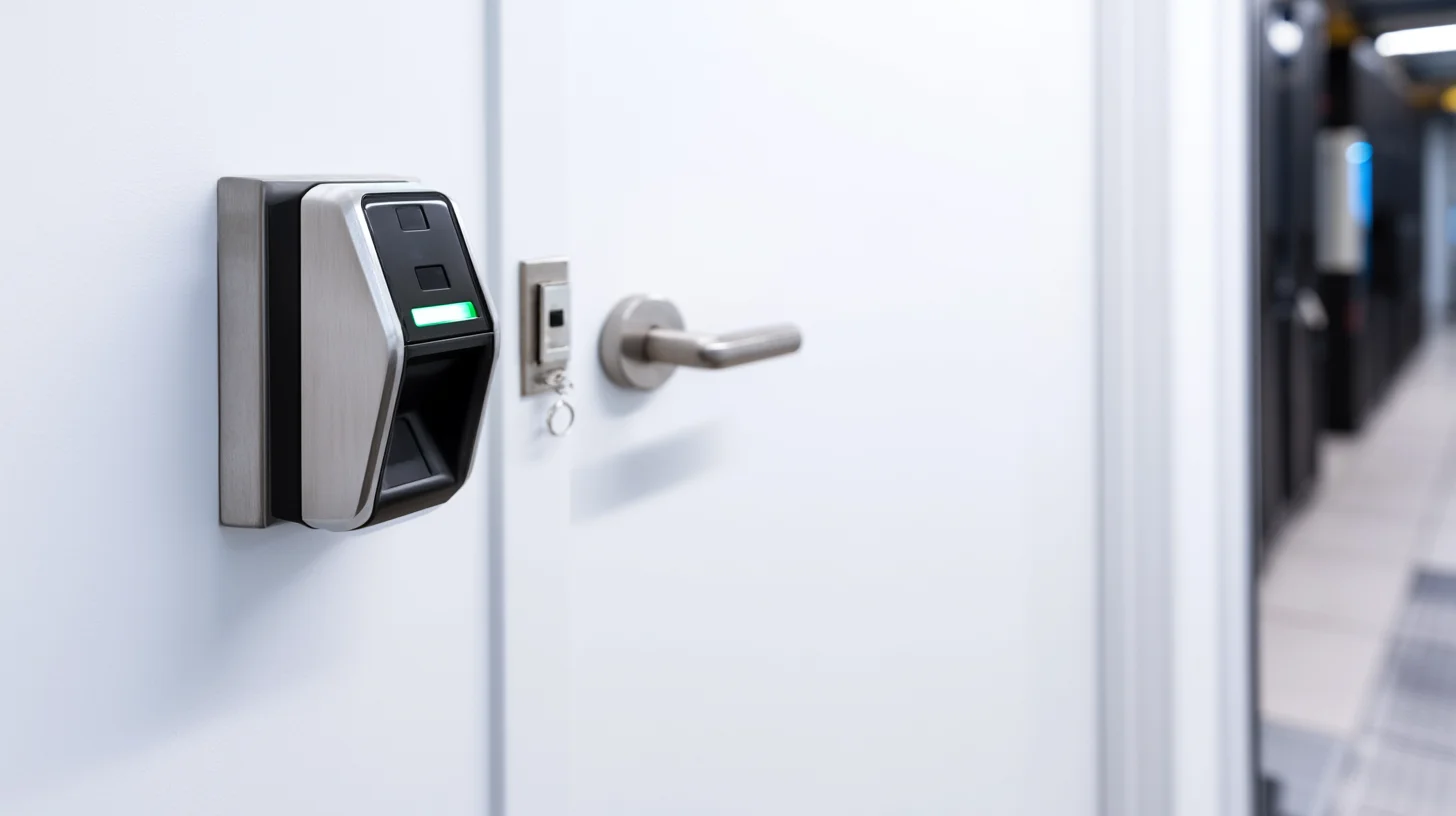
Access Control Total Cost of Ownership: A Realistic Budget Model
The installed hardware cost of an access control system is typically 60–70% of the true five-year total cost of ownership. Buyers who budget only for hardware and installation consistently underestimate project cost by 30–50%. The following model provides a realistic TCO framework for a 20-door cloud-based access control deployment.
Cost Category | One-Time Cost | Annual Cost | 5-Year Total |
|---|---|---|---|
Hardware (readers, controllers, locks) | $40,000–$80,000 | — | $40,000–$80,000 |
Installation and commissioning | $15,000–$30,000 | — | $15,000–$30,000 |
Cabling infrastructure | $8,000–$20,000 | — | $8,000–$20,000 |
SaaS platform fee ($7/door/mo) | — | $1,680 | $8,400 |
Maintenance and support contract | — | $3,000–$6,000 | $15,000–$30,000 |
Credential replacement and additions | — | $500–$2,000 | $2,500–$10,000 |
Total 5-Year TCO | $89,000–$148,000 |
Divided across five years, this model produces a cost of roughly $890–$1,480 per door per year for a professionally installed and maintained 20-door system. Facilities that buy based on hardware cost alone and skip professional installation and support contracts consistently experience higher incident rates and longer mean-time-to-repair when hardware fails.
Choosing an Access Control Installer: What to Require
The difference between a well-functioning access control system and one that generates daily support calls is almost always installation quality — not hardware brand. Here's what to require from any access control installer before signing a contract.
Manufacturer certification: Require that your installer holds current certification from the specific hardware manufacturer being installed. Lenel, Software House, Genetec, and HID all run certification programs. Uncertified installers cannot access full technical support channels when problems arise.
Low-voltage licensing: Access control installers must hold a valid state low-voltage contractor license. This is a legal requirement in most states, and unlicensed installation voids most manufacturer warranties.
Documented commissioning process: Require a commissioning checklist signed off for every door — verifying read range, lock strike timing, REX device function, and software enrollment. Verbal confirmation is not adequate documentation for security systems.
As-built drawings: Your installer should provide updated as-built drawings showing every cable run, controller location, and door hardware specification upon project completion. These documents are essential for future troubleshooting and system expansion.
Warranty and SLA terms: Require a minimum 1-year labor warranty on installation work, separate from manufacturer hardware warranty. Specify response time SLAs — a failed door lock is a life-safety issue that warrants a 4-hour response commitment, not a next-business-day ticket.
LVForce installs and commissions access control systems for commercial facilities nationwide, holding manufacturer certifications across leading platforms and maintaining a licensed low-voltage workforce in every market we serve. Schedule a site survey to get a properly scoped installation proposal for your facility.
Access Control Trends Shaping Commercial Security in 2026
Several technology and regulatory developments are actively reshaping how commercial facilities specify and deploy access control. Understanding these trends prevents buyers from purchasing systems that will be obsolete or non-compliant within three years.
The Shift From Wiegand to OSDP
Wiegand protocol — the communication standard connecting readers to controllers since the 1980s — transmits credentials in plain text and cannot be encrypted. Open Supervised Device Protocol (OSDP), now an IEC international standard, encrypts reader-to-controller communication and enables bidirectional communication that supports firmware updates and tamper detection. The U.S. federal government mandated OSDP for all new federal access control installations in 2023. Commercial facilities in regulated industries are following, and leading manufacturers are phasing out Wiegand-only readers. Specify OSDP-capable hardware on any new installation to avoid a reader replacement cycle within five years.
AI-Powered Anomaly Detection
Access control platforms increasingly use machine learning to flag behavioral anomalies — an employee badging in at 2 AM when they've never done so before, a credential used at two geographically distant doors within an impossible timeframe (indicating cloning), or a door propped open longer than its defined threshold. Genetec and Lenel OnGuard have both introduced AI anomaly detection modules. These features reduce the investigative burden on security teams by surfacing events that warrant attention rather than requiring manual log review.
Unified Physical and Cyber Security
The convergence of physical access control and IT identity management — using the same credential and the same identity provider (Azure AD, Okta) for both building access and network login — is moving from large enterprise environments into mid-market commercial facilities. This approach eliminates duplicate identity databases, ensures that a terminated employee's network access and building access are revoked in a single action, and creates a unified audit trail across physical and digital security events.