Most Commercial Camera Systems Fail Before Installation Begins
According to the Security Industry Association's 2025 market research, more than 60% of commercial surveillance deployments underperform their intended purpose — not because of faulty cameras, but because buyers made critical specification decisions before understanding their actual coverage requirements. Facility managers often choose cameras based on price-per-unit rather than total coverage cost, select resolution tiers their network infrastructure cannot support, or purchase systems their staff cannot operate without dedicated training.
This guide is designed to eliminate those mistakes. Whether you're deploying cameras across a 10,000-square-foot office or a multi-building campus, every major decision point — from camera type to storage architecture to vendor contracts — is covered with the tradeoffs you need to make an informed choice.
IP Camera vs. Analog Camera: Which System Is Right for Your Building?
For most commercial properties built or renovated after 2015, IP cameras deliver better coverage, lower long-term cost, and far more flexibility than analog systems — but analog HD systems remain a legitimate choice for specific scenarios. The decision hinges on three factors: your existing cabling infrastructure, your required resolution, and whether you need remote access or AI-based analytics.
IP Camera Systems: The Case For
IP cameras transmit video as data packets over your network, meaning a single Cat6 cable handles both power (via PoE) and data. This eliminates the need for separate power runs at each camera location, which is where legacy analog systems drive up installation costs. IP cameras also support resolutions from 2MP up to 32MP, enabling wide-area coverage with fewer camera positions.
The additional capability of IP systems — including motion detection zones, license plate recognition, people counting, and integration with access control systems — comes from onboard processing power that analog cameras simply cannot match. When a door-held-open event triggers an access control alert, an IP camera system can automatically pull a clip of that moment. Analog systems require additional middleware to attempt the same result.
Analog HD Systems: When They Still Make Sense
Analog HD (including HDCVI, HDTVI, and AHD formats) transmits high-definition video over coaxial cable. If your building already has coaxial infrastructure from a previous system, replacing cameras while reusing existing cable runs can cut installation labor costs by 40 to 60 percent compared to pulling new Cat6 to every location. For properties where remote access and analytics are not priorities — certain warehouses, parking structures, and industrial facilities — analog HD systems offer a cost-effective path to 1080p or even 4MP coverage.
Factor | IP Camera System | Analog HD System |
|---|---|---|
Resolution range | 2MP – 32MP | 1MP – 8MP |
Cabling | Cat5e / Cat6 (PoE) | Coaxial (RG59 / RG6) |
Power delivery | PoE over data cable | Separate power run required |
Remote access | Native (cloud or VPN) | Requires DVR with network port |
AI analytics | Onboard (camera or NVR) | Limited / DVR-dependent |
Scalability | High (network switch expansion) | Limited by DVR channel count |
Best fit | New builds, renovations, multi-site | Coax-wired existing buildings |
Understanding Resolution Tiers: What the Numbers Actually Mean for Coverage
Higher megapixels do not automatically mean better surveillance value — they mean larger coverage areas per camera, more storage consumption, and higher network bandwidth demands. Choosing the right resolution tier for each camera location is one of the most consequential decisions in a commercial deployment.
2MP (1080p): The Minimum for Facial Identification at Entry Points
A 2MP camera at a standard 90-degree field of view can reliably capture facial detail at distances up to roughly 15 feet. This makes it appropriate for door entries, elevator interiors, and reception desks where subjects are expected to be close to the lens. Using 2MP cameras in large open areas — lobbies, parking lots, or loading docks — produces footage where individuals appear as unidentifiable silhouettes.
4MP to 8MP: The Commercial Workhorse Range
For most commercial applications — corridors, mid-size retail floors, open office spaces — 4MP to 8MP cameras strike the best balance between image detail, storage cost, and network load. A single 4MP wide-angle camera (110-degree FOV) can replace two 2MP cameras covering the same zone, reducing both hardware and installation cost. According to Genetec's 2024 Physical Security Report, 4MP and 8MP cameras represent the fastest-growing resolution segment in commercial installations, accounting for 48% of new camera deployments.
12MP and Above: Specialized Use Cases Only
Ultra-high-resolution cameras (12MP, 20MP, 32MP) are designed for specific applications: license plate capture across wide parking areas, cashier lane monitoring in retail, perimeter coverage of large open spaces. They consume 4 to 8 times the storage and bandwidth of 4MP cameras. Deploying high-megapixel cameras throughout a standard office building is a common and costly specification error — the footage detail is unnecessary for most zones, and the infrastructure cost to support it is substantial.
Storage Architecture: Local NVR, On-Site Server, or Cloud?
Commercial surveillance storage comes in three primary architectures — each with distinct cost profiles, retention capacity limits, and failure risk characteristics. The right choice depends on your retention requirements, IT resources, and whether you manage a single site or multiple locations.
Network Video Recorder (NVR): Best for Single-Site Deployments
An NVR is a dedicated appliance that records IP camera streams to internal hard drives. For facilities with 8 to 64 cameras requiring 30 to 90 days of retention, an NVR provides a self-contained solution with no ongoing subscription cost. The primary risk is physical: if the NVR is destroyed, stolen, or fails, recorded footage may be unrecoverable. Vendors who allow cameras to write simultaneously to an NVR and a cloud backup address this vulnerability directly.
Hard drive sizing for NVR systems follows a predictable formula. A 4MP camera recording continuously at H.265 compression consumes approximately 28 to 35GB per day. A 16-camera system requiring 30-day retention therefore needs roughly 16 to 18TB of usable storage — accounting for RAID redundancy, that means purchasing 24TB or more of raw drive capacity.
On-Site Server with VMS: Best for Large or Complex Deployments
Facilities with more than 64 cameras, multiple building zones, or specialized analytics requirements typically use a Video Management System (VMS) running on an on-site server or server cluster. Enterprise VMS platforms — Milestone XProtect, Genetec Security Center, Avigilon Control Center — provide granular user permissions, advanced analytics, and integration with building management systems. This architecture requires IT infrastructure investment and ongoing maintenance but offers the most control over system behavior and data sovereignty.
Cloud-Based Storage: Best for Multi-Site Operators
Cloud surveillance platforms (including offerings from Verkada, Avigilon Alta, and Milestone's cloud tier) store footage off-site and provide remote access without VPN configuration. For property managers overseeing multiple locations, the ability to pull footage from any site through a single browser interface is a meaningful operational advantage. The tradeoff is ongoing subscription cost: cloud storage for a 20-camera system typically runs $200 to $600 per month depending on resolution and retention period, compared to a one-time NVR investment of $1,500 to $4,000.
Storage Type | Upfront Cost | Monthly Cost | Best Retention | Best For |
|---|---|---|---|---|
NVR Appliance | $800 – $5,000 | $0 | Up to 180 days | Single sites, 8–64 cameras |
On-Site VMS Server | $5,000 – $50,000+ | $0 – $200 (licensing) | Unlimited (drive-limited) | Large facilities, enterprise |
Cloud Platform | $500 – $2,000 (hardware) | $200 – $1,200+ | 30 – 365 days | Multi-site, remote management |
Camera Types by Application: Choosing the Right Form Factor
Camera housing and optics determine coverage performance at least as much as resolution. Selecting the wrong camera type for a physical environment is one of the most common errors in commercial surveillance planning — a varifocal bullet camera that excels at parking lot coverage will produce poor results in a hallway, and a fixed dome designed for interior lobbies will fail in outdoor conditions.
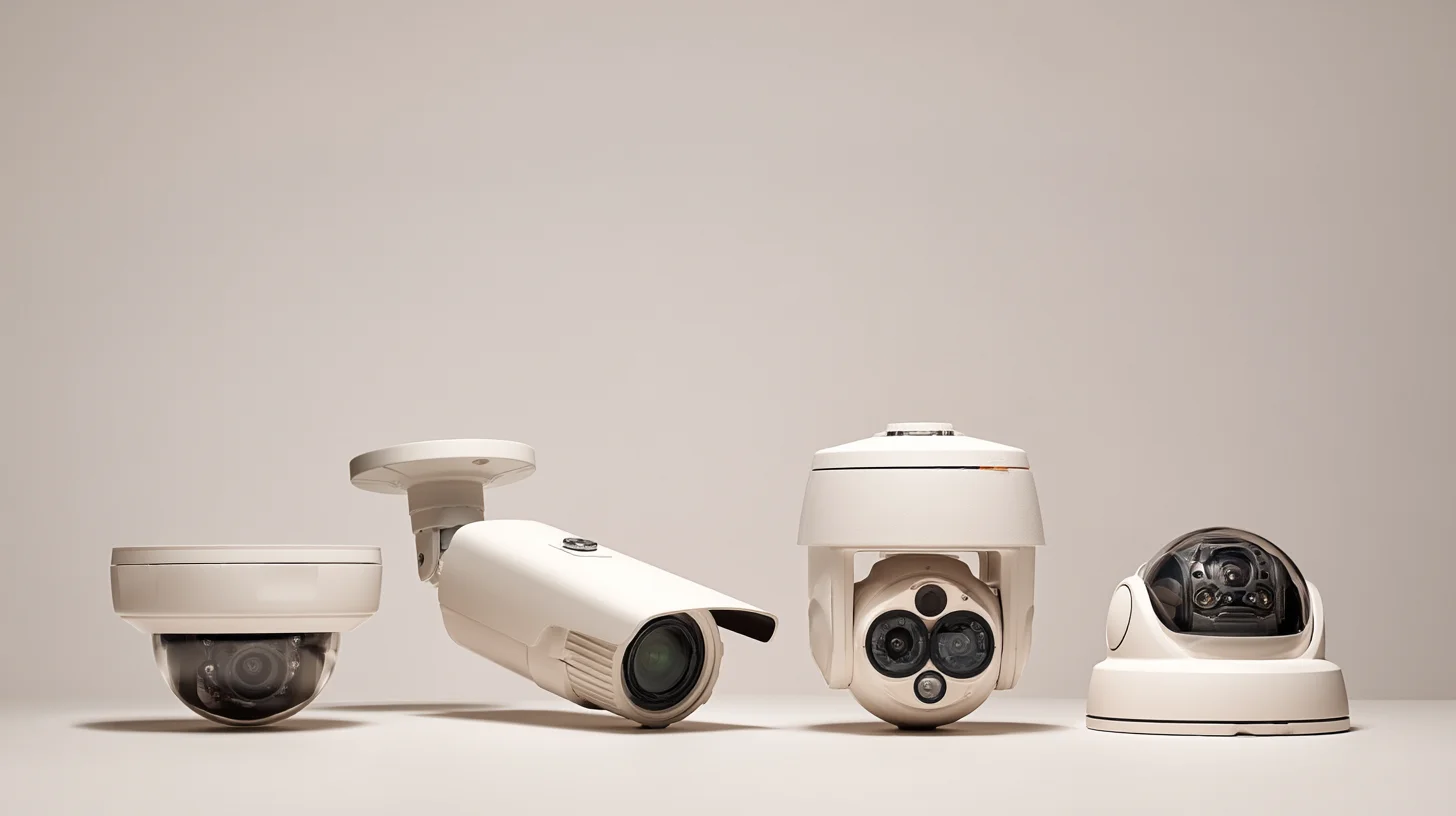
Dome Cameras: Interior General Coverage
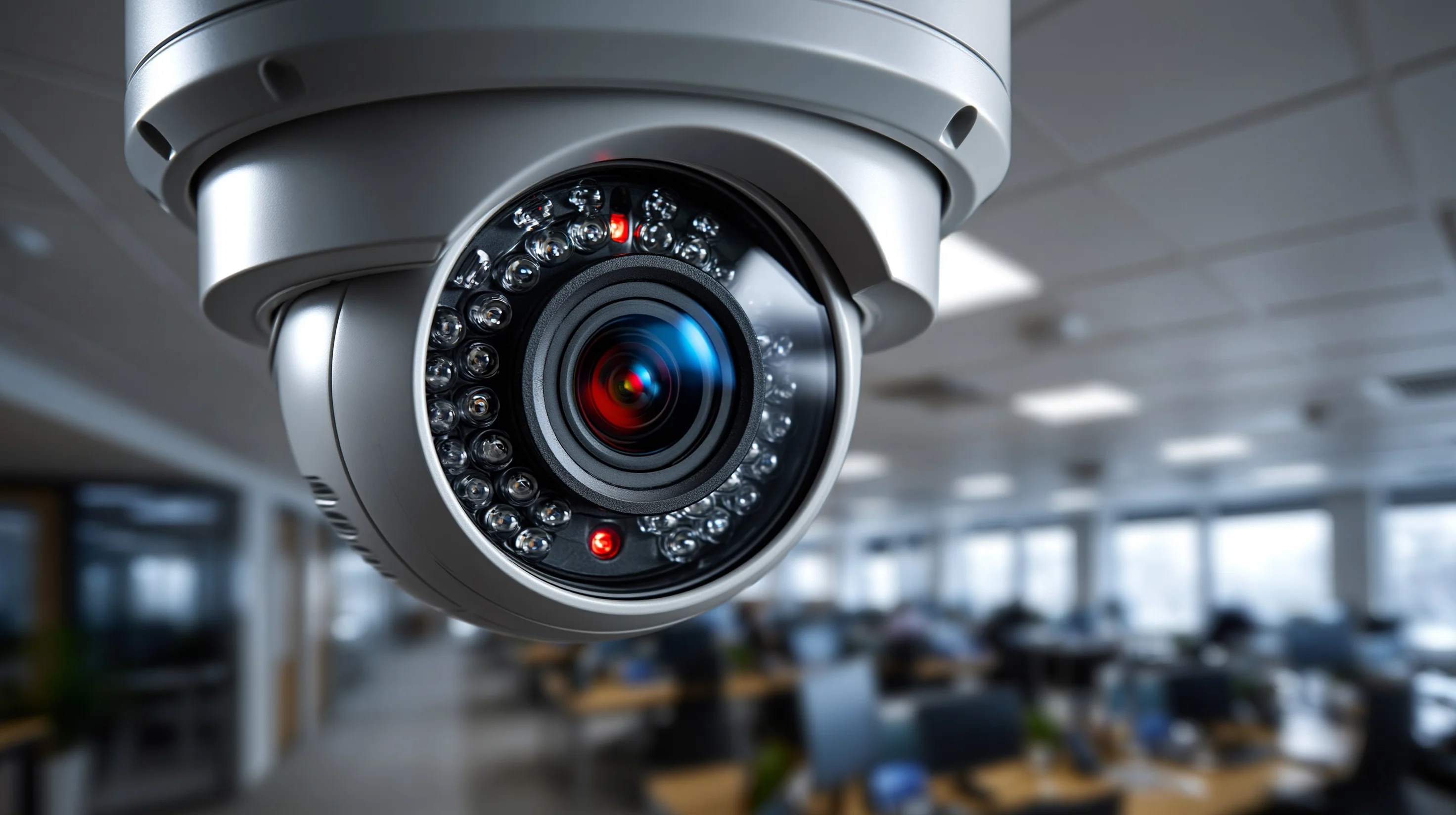
Dome cameras mount flush to ceilings and offer wide-angle fixed lenses (typically 2.8mm to 4mm) suited for lobbies, corridors, retail floors, and office common areas. Their low-profile housing is vandal-resistant and visually unobtrusive — an important consideration in client-facing spaces. Most commercial dome cameras include IR illumination for low-light performance up to 30 to 50 feet.
Bullet Cameras: Perimeter and Long-Distance Coverage
Bullet cameras house varifocal lenses (typically 2.8mm to 12mm, adjustable) that allow installers to dial in a narrower field of view with greater focal distance. This makes them the standard choice for parking lots, building perimeters, loading docks, and any outdoor zone where subjects need to be identified at distances of 50 feet or more. Most bullet cameras carry an IP66 or IP67 weather rating and include IR illumination effective at 100 to 300 feet depending on the model.
PTZ Cameras: Active Monitoring Zones
Pan-tilt-zoom cameras are motorized and operator-controlled, capable of rotating 360 degrees and optically zooming in on subjects without image quality loss. A single PTZ camera can monitor an area that would require 4 to 6 fixed cameras to cover statically. However, PTZ cameras cost 3 to 8 times more than fixed cameras and only deliver their value when someone is actively operating them or when sophisticated auto-tracking software is in place. Deploying PTZ cameras in unmanned facilities without auto-tracking is a common budget waste.
Fisheye / 360-Degree Cameras: Open Area Coverage
Fisheye cameras use ultra-wide lenses to capture an entire room or open area from a single ceiling-mounted position. Software dewarps the image into navigable flat views or multiple virtual camera angles. For large open offices, warehouse floors, or retail sales floors, a single 12MP fisheye camera can replace 3 to 4 dome cameras with comparable coverage. The tradeoff is image quality at the edges of the frame — subjects at the periphery of a fisheye camera's view are less detailed than those seen by a purpose-aimed fixed camera.
Network Infrastructure: The Hidden Requirement That Breaks Camera Deployments
A commercial camera system is only as reliable as the network infrastructure supporting it. IP cameras stream continuous data, and the aggregate bandwidth of a 32-camera system — particularly at 4MP or higher resolution — can saturate a network not designed for surveillance traffic. Infrastructure planning is a prerequisite, not an afterthought.
Bandwidth Calculations: The Math Every Buyer Should Know
A single 4MP IP camera streaming at H.265 compression produces approximately 2 to 4 Mbps of continuous data. A 32-camera system therefore generates 64 to 128 Mbps of sustained network traffic — all day, every day. If your surveillance cameras share a network switch with your office computers, VoIP phones, and wireless access points without traffic segmentation (VLANs), camera recording quality will degrade during peak office hours and vice versa.
Professional commercial security camera installations always include a dedicated surveillance VLAN that isolates camera traffic from business operations traffic. This requires managed network switches with VLAN capability — not the unmanaged consumer-grade switches that appear in many existing commercial networks.
PoE Switch Capacity: Power Budget Matters
Power over Ethernet switches supply both data and electrical power to each camera through the Cat6 cable. Each camera draws between 7 and 25 watts depending on the model — PTZ cameras and cameras with built-in IR illumination draw the most. An 8-port PoE switch with a 65-watt total power budget (common in consumer-grade equipment) cannot power eight cameras that each draw 12 watts. The system will appear to function but cameras will randomly drop offline under full load. Always verify the total PoE wattage budget of any switch against the actual combined draw of all connected cameras.
If your network infrastructure needs an upgrade before or alongside a camera deployment, LVForce's enterprise network and Wi-Fi services can design and install the switching, cabling, and VLAN architecture your surveillance system requires.
Structured Cabling: The Foundation of Every IP Camera System
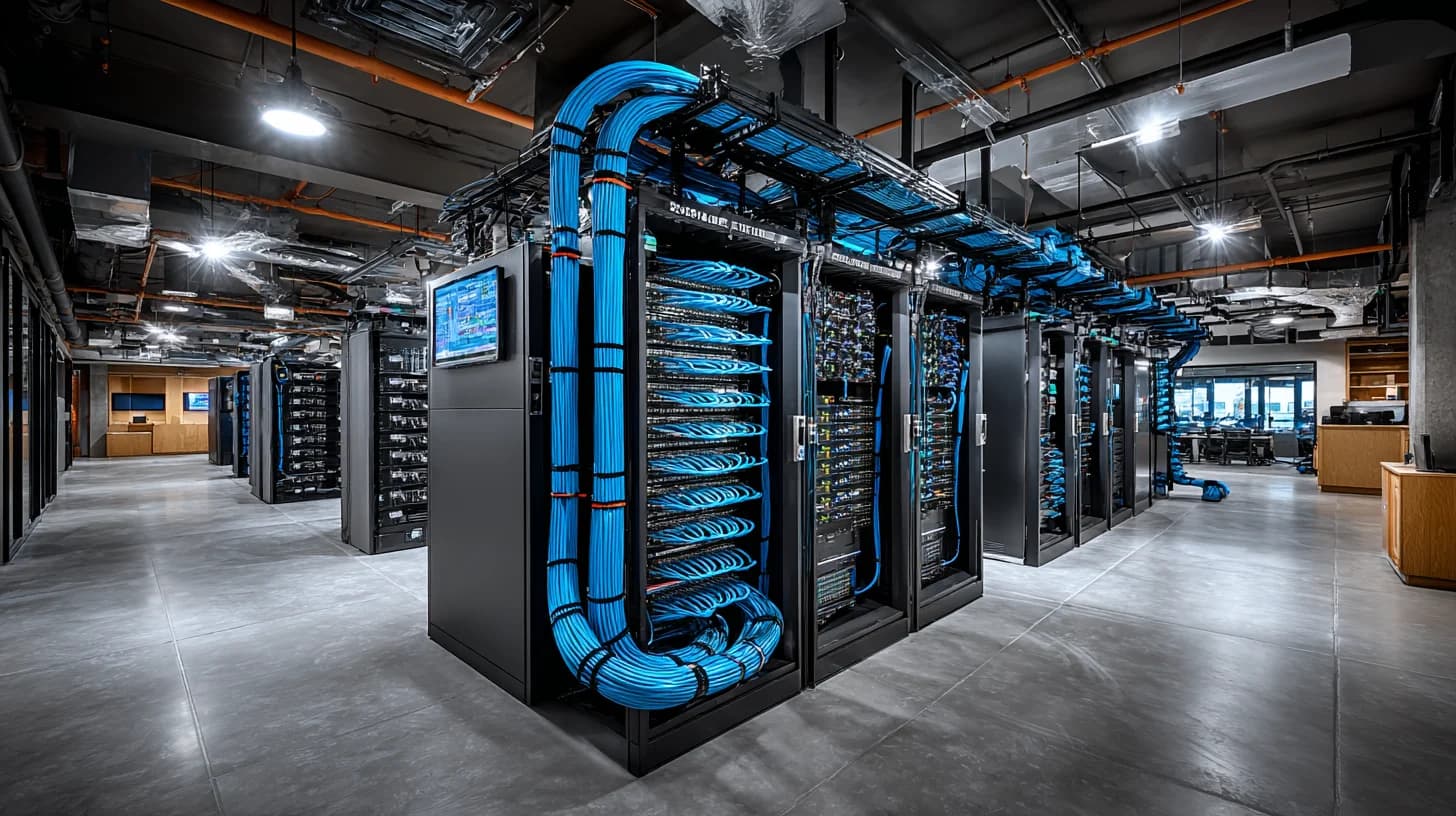
Every IP camera location requires a homerun cable back to the network equipment room — a continuous run of Cat6 or Cat6A from camera to switch, with no inline splices. The maximum distance for PoE over Cat6 is 328 feet (100 meters) per the TIA-568 standard. Camera positions beyond this distance require either a midspan PoE extender or an intermediate equipment closet. Facilities that attempt to extend PoE beyond the rated distance see unpredictable camera behavior: intermittent dropouts, reduced power delivery, and corrupted video streams.
Planning your camera layout with cable run distances in mind — before finalizing camera positions — prevents expensive change orders during installation. A properly designed structured cabling infrastructure accounts for every camera homerun, conduit routing, and equipment closet location before a single cable is pulled.
Video Analytics: What's Genuinely Useful vs. What's Marketing
AI-based video analytics are now embedded in cameras from every major manufacturer, but the quality and reliability of these features varies enormously. Understanding which analytics deliver real operational value — and which are oversold — is essential for buyers evaluating vendor proposals.
Analytics That Deliver Measurable Value
Motion-triggered recording reduces storage consumption by 60 to 80 percent compared to continuous recording with no meaningful loss in coverage — most security events involve motion. People counting provides accurate occupancy data for compliance and space planning in facilities required to track building population. License plate recognition (LPR) at parking structure entries automates access logs and reduces the manual burden of security staff. Perimeter intrusion detection — triggering alerts when a virtual line or zone boundary is crossed — reduces false alarms by 90 percent compared to basic motion detection in outdoor zones where wind, animals, and headlights would otherwise generate constant notifications.
Analytics That Frequently Underperform in Practice
Facial recognition in commercial settings faces legal restrictions in multiple U.S. states and produces significant false positive rates in real-world lighting conditions without dedicated enrollment infrastructure. Crowd density estimation requires careful calibration and rarely performs accurately in spaces with variable ceiling heights or lighting. Behavioral analytics (loitering detection, fighting detection) are useful in controlled environments but generate high false positive rates in busy commercial facilities unless extensively tuned after installation.
"The most common analytics mistake we see is deploying behavioral detection in environments where the camera count, angle, and resolution can't actually support the algorithm's requirements. Analytics are only as good as the image quality feeding them."
How to Evaluate Vendors and Avoid Common Contract Pitfalls
Selecting a commercial surveillance vendor involves more than comparing per-camera prices. The vendor's installation practices, warranty terms, post-installation support structure, and willingness to provide a site-specific coverage plan are as important as the equipment specifications they propose.
Questions to Ask Every Vendor Before Signing
Will you provide a camera layout drawing with coverage zones before the contract? Any vendor unwilling to document proposed camera positions and coverage areas before installation is selling equipment, not solutions. A coverage drawing lets you verify that every critical zone — every entry point, every high-value area — is included in the scope.
What happens if a camera fails after the warranty period? Understand whether the vendor supports multiple camera brands or is locked into a single manufacturer. Single-brand dependency means you're subject to that manufacturer's discontinuation decisions and pricing for replacements.
Who owns the system — and the footage — if you stop working with this vendor? Some cloud-based surveillance platforms lock camera hardware to vendor accounts, meaning cameras become inoperable if you switch providers. Verify that you retain full ownership of both hardware and recorded footage.
What are the network infrastructure requirements, and are they included in the quote? Switch upgrades, VLAN configuration, and additional cable runs are frequently omitted from initial proposals and then added as change orders during installation.
What training is included, and how are system updates handled? Staff who cannot operate the VMS or retrieve footage independently defeat the purpose of the system. Ask specifically what's included in user training and who handles firmware updates going forward.
Red Flags in Vendor Proposals
Be cautious of proposals that specify camera count without a coverage drawing, quotes that include no line-item for network infrastructure, contracts that auto-renew with significant price escalation clauses, and systems that require proprietary cameras exclusively compatible with the vendor's own NVR. Each of these creates long-term dependency that limits your ability to upgrade, switch vendors, or expand the system independently.

Commercial Security Camera Cost: What to Budget and Why
Commercial surveillance system costs vary widely based on camera count, resolution tier, storage architecture, and site complexity — but most facility managers are surprised by how much of the total project cost is labor and infrastructure rather than cameras themselves. According to industry data from the Electronic Security Association, labor and infrastructure typically represent 40 to 60 percent of total commercial camera system installation costs.
Per-Camera Hardware Cost Ranges
Camera Type | Hardware Cost (Per Camera) | Notes |
|---|---|---|
2MP IP Dome (indoor) | $80 – $200 | Budget tier; adequate for close-range interior use |
4MP IP Dome (indoor) | $150 – $350 | Best value for general commercial interior coverage |
4MP IP Bullet (outdoor) | $200 – $450 | Standard for perimeter and parking coverage |
8MP IP Turret / Dome | $300 – $700 | Wide-area interior or high-detail exterior |
PTZ Camera | $500 – $3,000+ | Active monitoring; optical zoom 20x – 40x |
12MP+ Fisheye | $400 – $1,200 | Open floor coverage; replaces 3–4 fixed cameras |
Total Project Cost: A Realistic Framework
A 16-camera IP system for a mid-size commercial office — including 4MP cameras, a managed PoE switch, NVR with 60-day retention, cabling homerun to each camera, conduit where required, and basic configuration — typically runs $12,000 to $25,000 installed. A 32-camera system for a larger facility with outdoor coverage, a VMS server, and integration with an existing access control system typically ranges from $30,000 to $70,000 depending on site complexity.
These ranges assume professional installation with proper cabling infrastructure. Systems quoted at significantly lower per-camera prices frequently exclude structured cabling, network equipment, proper conduit, or post-installation configuration — all of which will be added back as change orders or will result in a system that underperforms its potential.
Integration: Getting Your Camera System to Work With Everything Else
A commercial security camera system that operates in isolation — with no connection to access control, alarm systems, or building management — provides reactive evidence collection. A camera system integrated with your other security infrastructure provides proactive alerting and automated response.
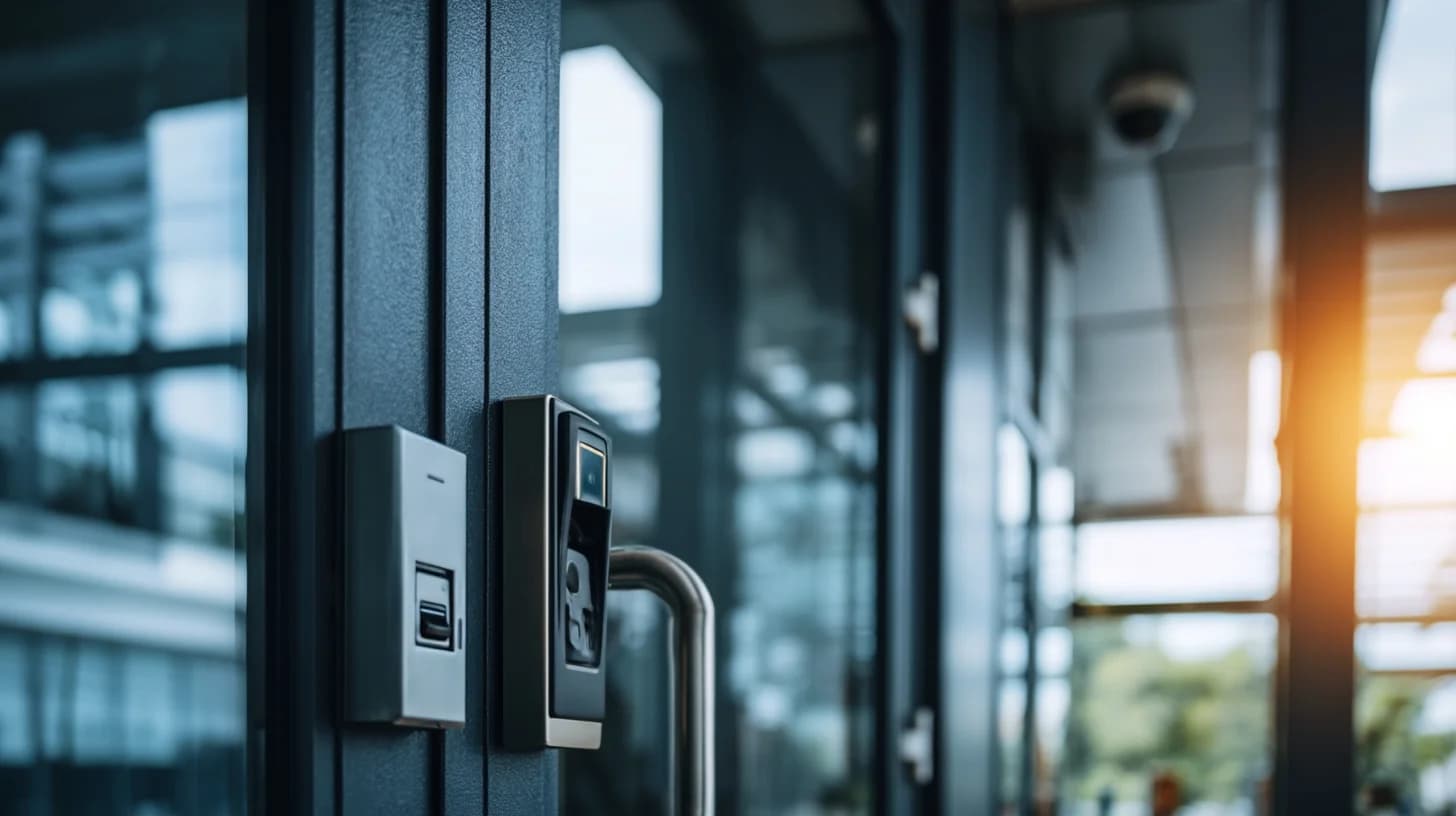
The most common and highest-value integration is between cameras and access control. When a badge-in event occurs at a door, the camera covering that entry point automatically archives a clip timestamped to that event. When a door is forced or held open beyond its time limit, the nearest camera can send an alert with a live image to security staff. This closed loop between physical access events and video documentation dramatically accelerates incident response and investigation.
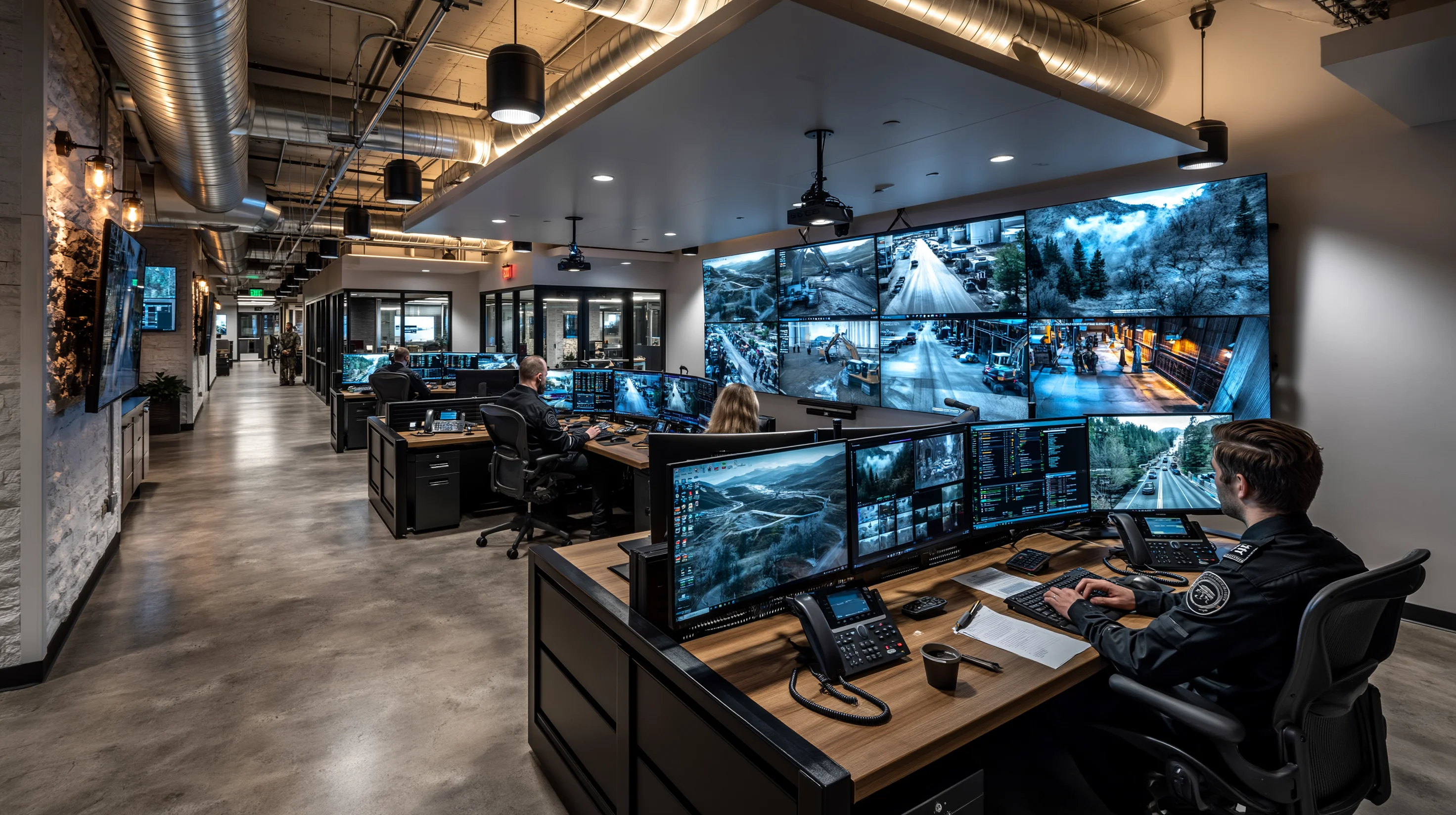
Integrating your camera system with audio/video systems in your security command center — displaying live camera feeds on dedicated monitors alongside alarm panels — gives security staff a single operational view rather than forcing them to switch between multiple interfaces during an incident.
Integration capability is not universal. Verify that any VMS or NVR you consider supports open API connections to your access control platform before purchasing. Milestone, Genetec, and Avigilon all maintain integration libraries covering hundreds of compatible access control systems. Proprietary closed platforms may not.
Your Pre-Purchase Checklist: 12 Decisions to Make Before You Buy
Map every zone requiring coverage and define what identification capability is needed at each (facial recognition, vehicle identification, general activity monitoring)
Measure cable run distances from proposed camera positions to the equipment room to identify any locations exceeding the 328-foot PoE limit
Audit your existing network switches for managed VLAN capability and total PoE wattage budget
Define your required retention period (30, 60, or 90 days is standard; some industries require 1 year or more)
Calculate your estimated storage requirement using your camera count, resolution choice, and retention period
Determine whether you need remote multi-site access — this affects your storage architecture choice
Identify any integration requirements with existing access control, alarm, or building management systems
Confirm your local jurisdiction's requirements for surveillance system disclosure, signage, and footage retention
Define who will operate the system day-to-day and what training they require
Establish who is responsible for system maintenance, firmware updates, and hard drive replacement
Verify that any vendor proposal includes a camera layout drawing with coverage zones before signing
Confirm full hardware ownership and data portability in the contract — no vendor lock-in on footage access
If your organization needs help working through these decisions before committing to a system, LVForce provides no-obligation site surveys and coverage planning for commercial properties. Contact our team to schedule a site assessment and receive a coverage drawing specific to your facility before any equipment is specified.